Setup guides
Set up Diablo IPTV on any screen
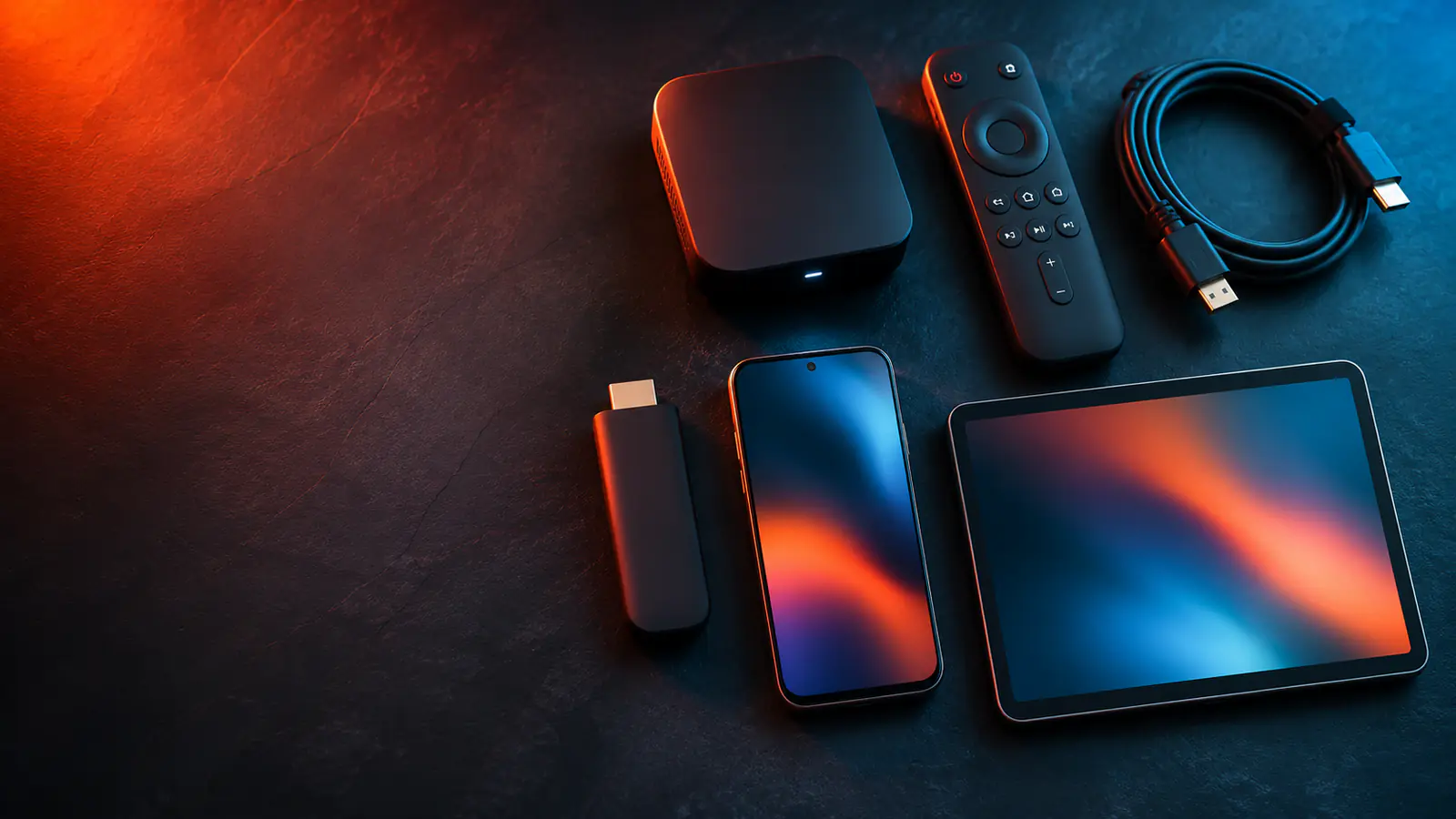
Diablo IPTV plays inside a player app on your device. Pick your device below — each guide shows where to get a trusted app and exactly what to type, with placeholders where your own login goes.
Step by step
By device
Start here if you know which screen you'll watch on.
- Amazon Fire TVHow to set up Diablo IPTV on a Fire TV StickDownloader, developer options and the best player apps for Fire OS.
- Android TV / Google TVSet up Diablo IPTV on Android TV and Google TVGoogle Play first, Downloader as a fallback — for TVs and boxes.
- Samsung Tizen & LG webOSWatch Diablo IPTV on a Samsung or LG smart TVTizen and webOS: web-portal players or a streaming stick.
- AppleDiablo IPTV on Apple TV, iPhone, iPad and MacApp Store players for Apple TV, iPhone, iPad and Mac.
- MAG & FormulerSet up Diablo IPTV on MAG and Formuler boxesPortal URL and MAC address setup for set-top boxes.
Step by step
By player app
Already have a favourite player? Add Diablo IPTV to it.
Explainers
Understand IPTV
Short explainers to help you choose and get the most from your plan.
- ExplainerWhat is IPTV? A plain-English guide for Canadian viewersHow internet TV works, what you need, and how it compares.
- CanadaHow to choose an IPTV service in Canada: a 10-point checklistTen questions to ask before you pay any provider.
- plansIPTV connections explained: how many do you need?Installed devices vs. screens at once, with household examples.
Something not working? The help centre covers buffering, login errors and the TV guide.
Try it on your own screen first
Request a 24-hour trial, set it up with one of our guides and watch on the device you'll actually use. No card needed — plans are paid in USD only when you decide.